Manage staff and permissions
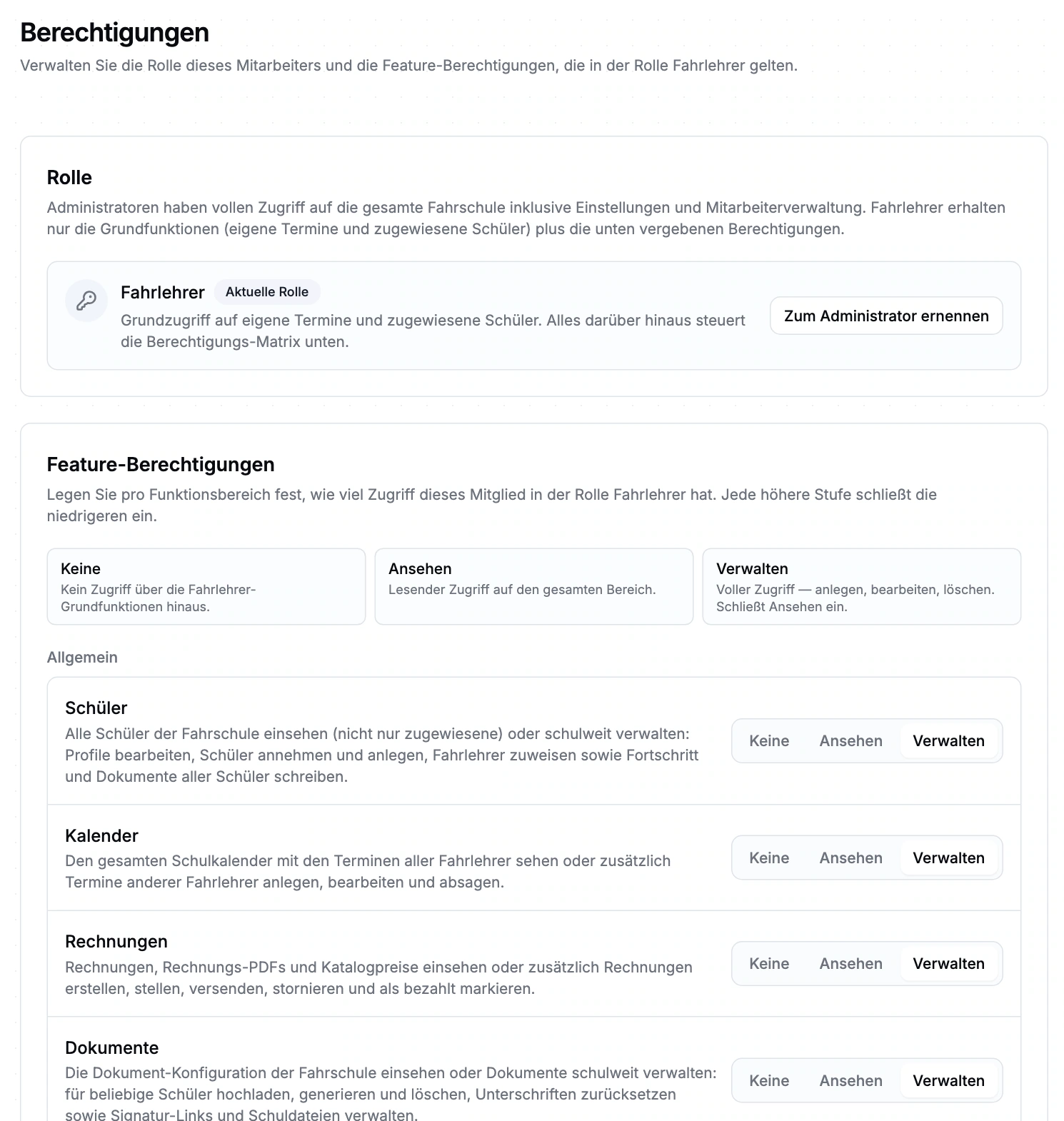
Add staff, approve applications and activate or deactivate school access. Instructors see their own appointments and assigned students; you can grant access to view or manage additional areas.
Staff records, leave, target hours and appointment-based credits support workforce planning. Reports help you hand over scheduled and recorded hours.
Add staff, approve applications and activate or deactivate school access. Instructors see their own appointments and assigned students; you can grant access to view or manage additional areas.
Instructors submit leave or other absence requests; the school approves or declines them. Sickness reports are recorded directly as reported absences. Default entitlements and year-specific adjustments are configurable.
Approved absences affect bookable slots. Existing appointments remain visible and need deliberate rescheduling when they overlap. Approval alone does not cancel a lesson.
Target hours, carry-over and account start date define the framework. Credits can be configured by appointment type. The account compares credited appointment hours with target hours within a limited reporting window; it does not clock actual working time.
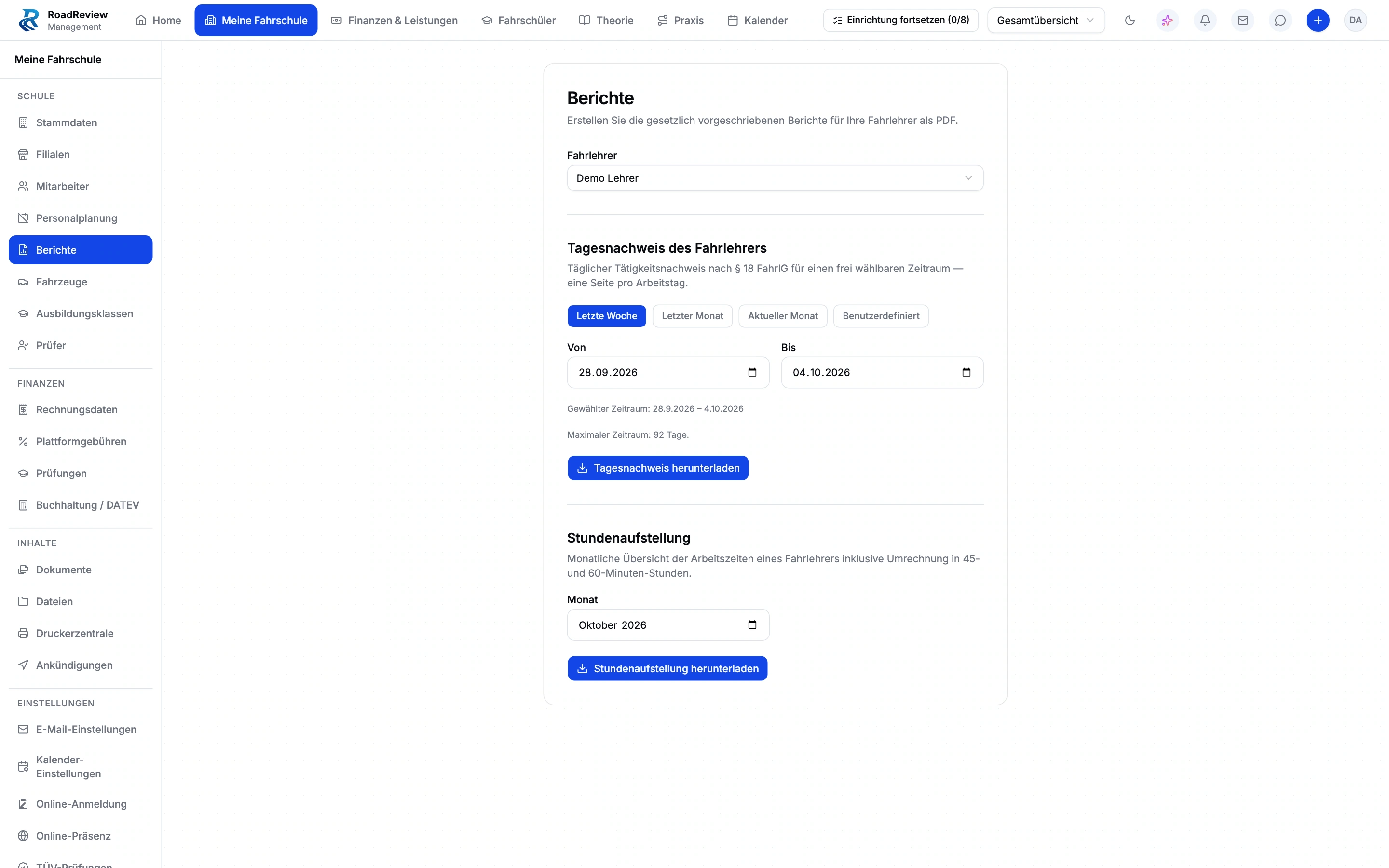
Choose an instructor and date range, generate the relevant PDF and download it. These reports provide a specific handover point for office staff. The demo view shows export configuration, not a generated record.
Set target hours, leave entitlement and credited appointment types.
Decide on a request or record a sickness report.
Review affected appointments and reassign resources.
Choose the instructor and period for a daily record or hour summary.
The real interface with sample data from a demo school. Open the image to inspect the details.
The working-time account covers the last 27 weeks and compares configured appointment credits with target hours. It replaces neither time clocking nor payroll. Automatic rescheduling, public-holiday calendars and half-day absences are currently unavailable.
No. Approved absences affect bookable times. You review and reschedule existing appointments as needed.
For a selected instructor and period, daily records and hour summaries can be generated and downloaded as PDFs. The working-time account separately credits appointment hours; it is not payroll.
Driving school management is in closed beta. Tell us about your school and workflows. We will discuss whether the scope, setup and access fit your school. Applying does not confirm admission or activate access.
Anyone working in the driving school management interface currently needs full school administration access. Finer office roles are not available yet. We plan responsibilities and access with you during onboarding.
Driving school management is in closed beta. Tell us about your school and workflows. We will discuss whether the scope, setup and access fit your school. Applying does not confirm admission or activate access.